Storyboard to video: edit your storyboard, then generate your video
Plan every scene before you generate a single AI video clip.
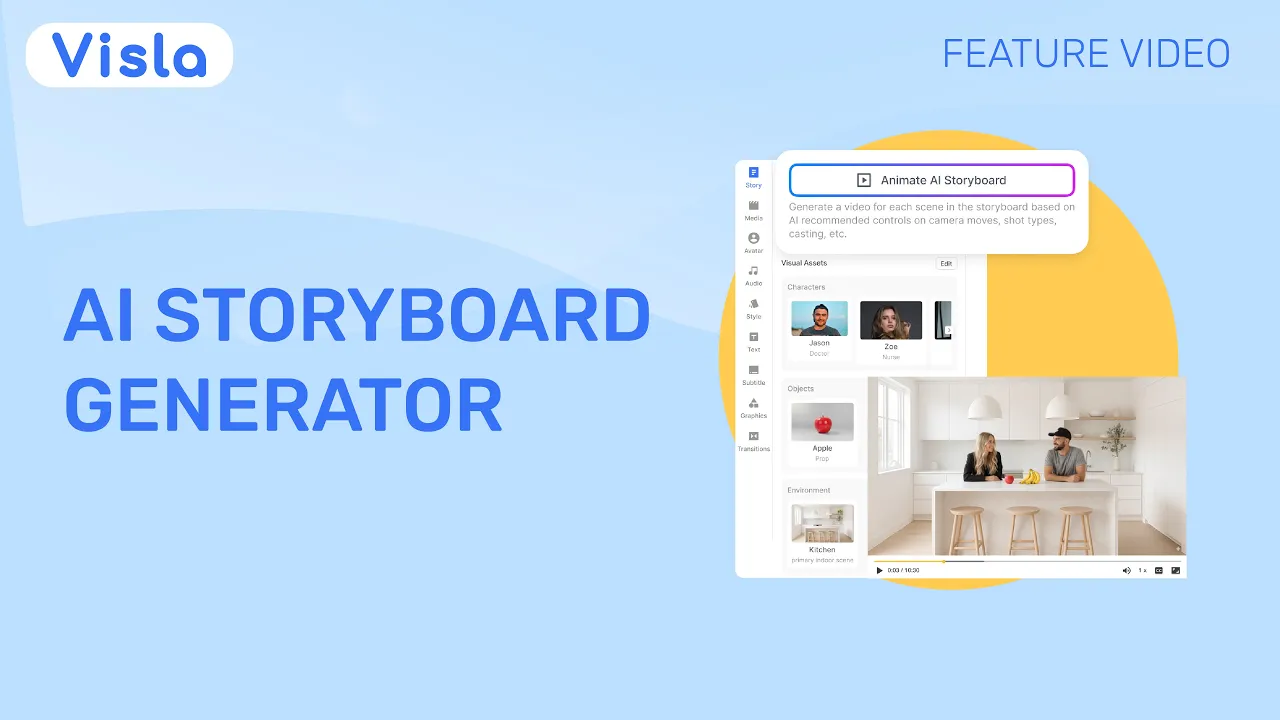

💡 How Visla uses storyboards?
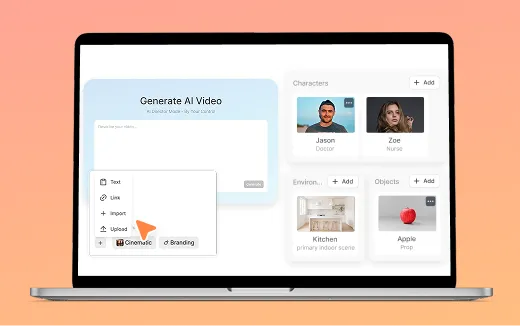
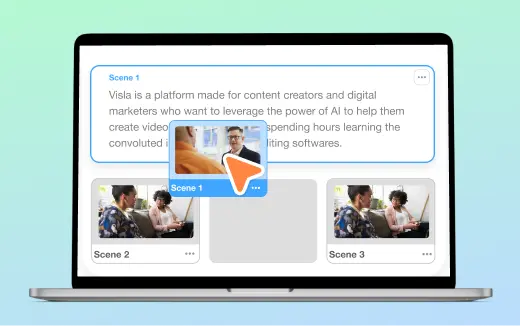
Visla creates a scene-by-scene storyboard before generating AI video clips. Start with an idea, script, text, webpage, PDF, or other input, then review or refine the characters, products, logos, objects, environments, voices, and visual style for your video. Visla turns that direction into a storyboard where you can review each scene’s image, prompt, dialogue or voiceover, characters, and generation method. When the direction looks right, choose which scenes to generate as AI video clips.
Where the storyboard appears in our workflow
01 — Start your project
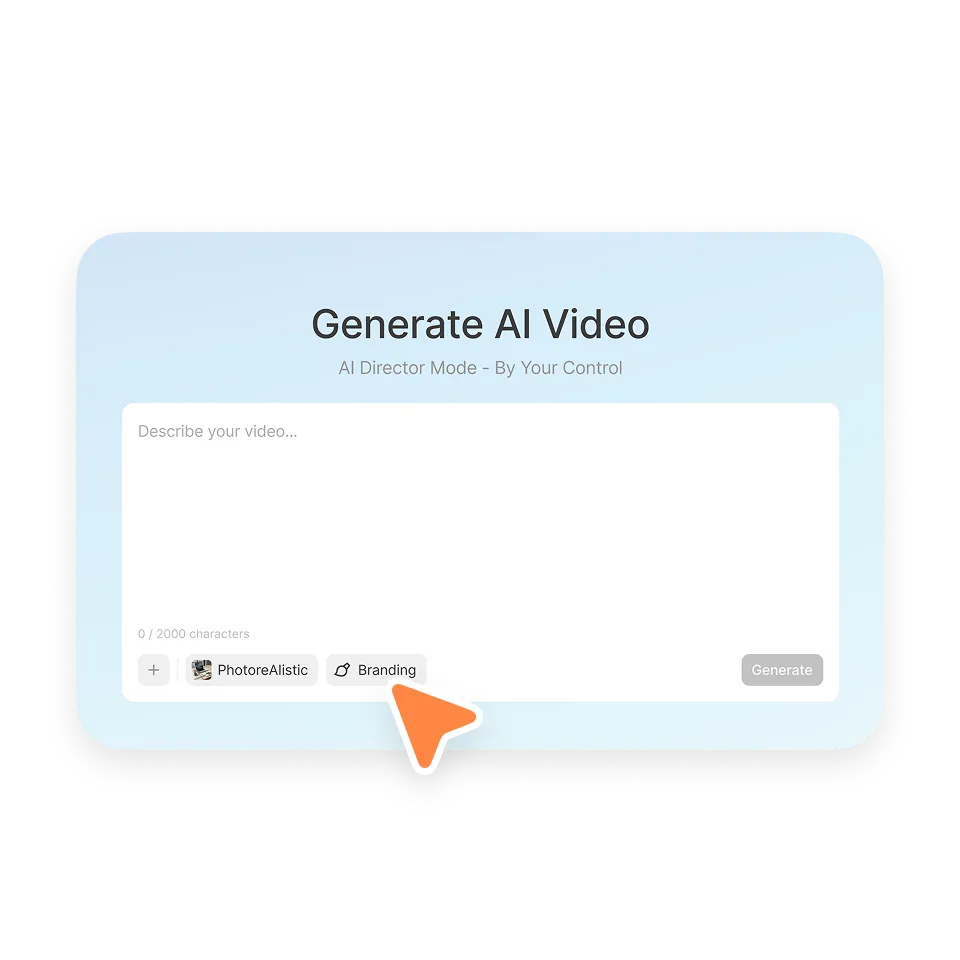
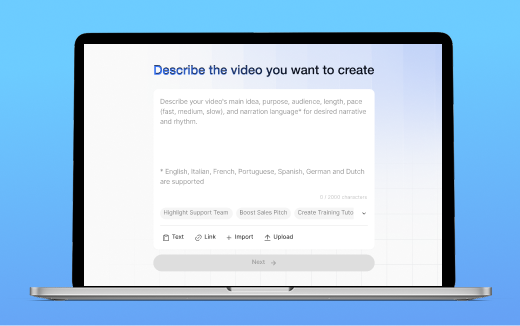
Bring an idea, a script, or the assets you already have.
02 — Set the direction
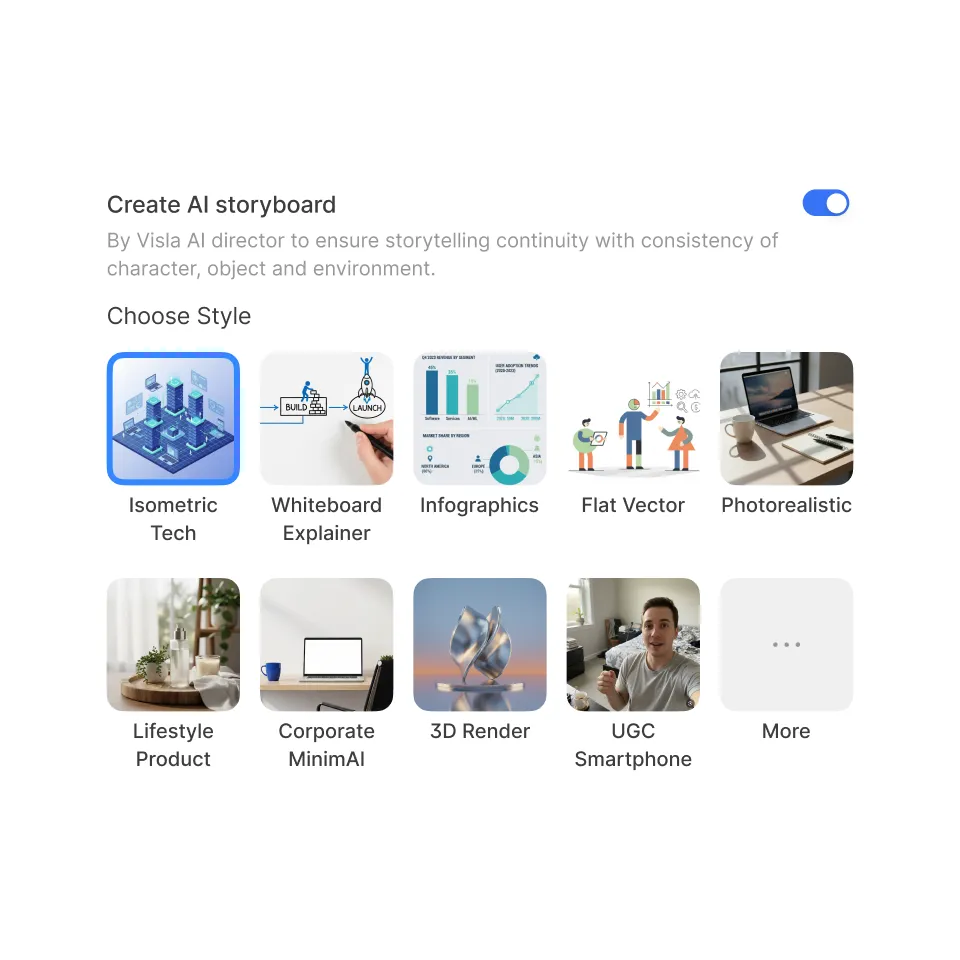
Choose characters, environments, voices, and visual style.
03 — Review every scene
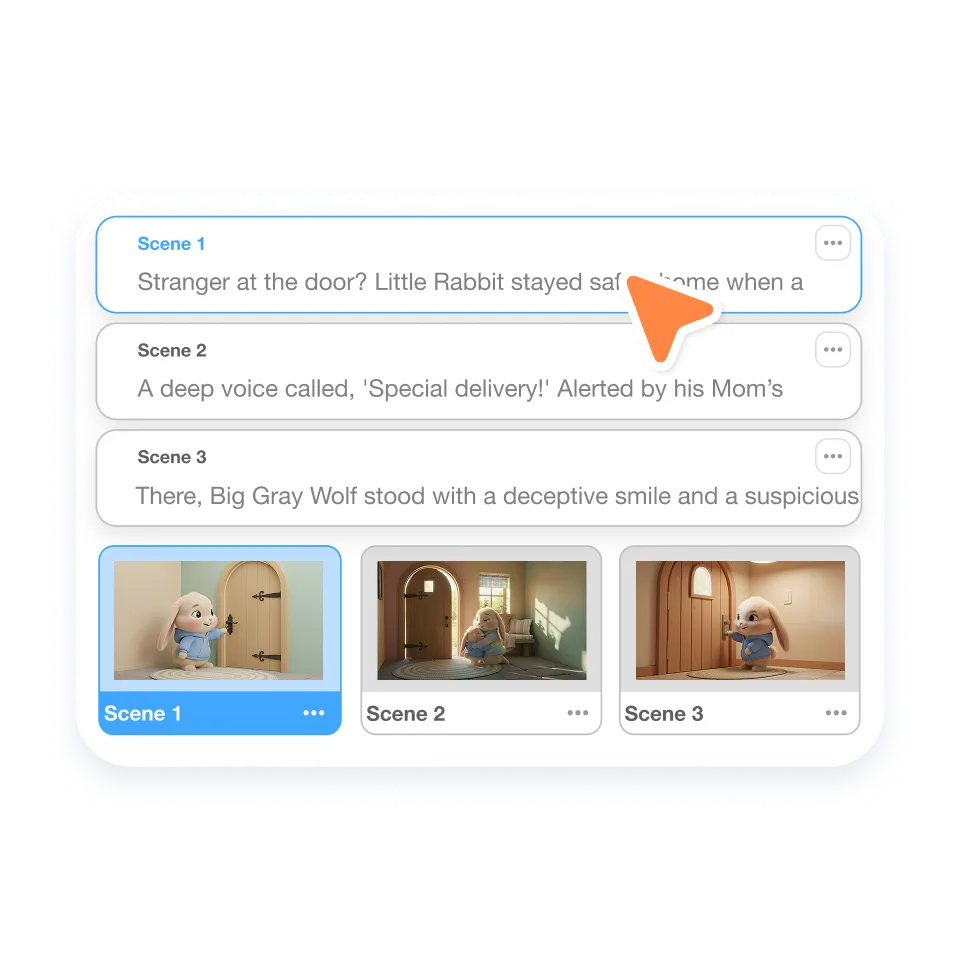
Refine scenes and dialogue. Generate all or only the scenes you want.
04 — Make the final edit
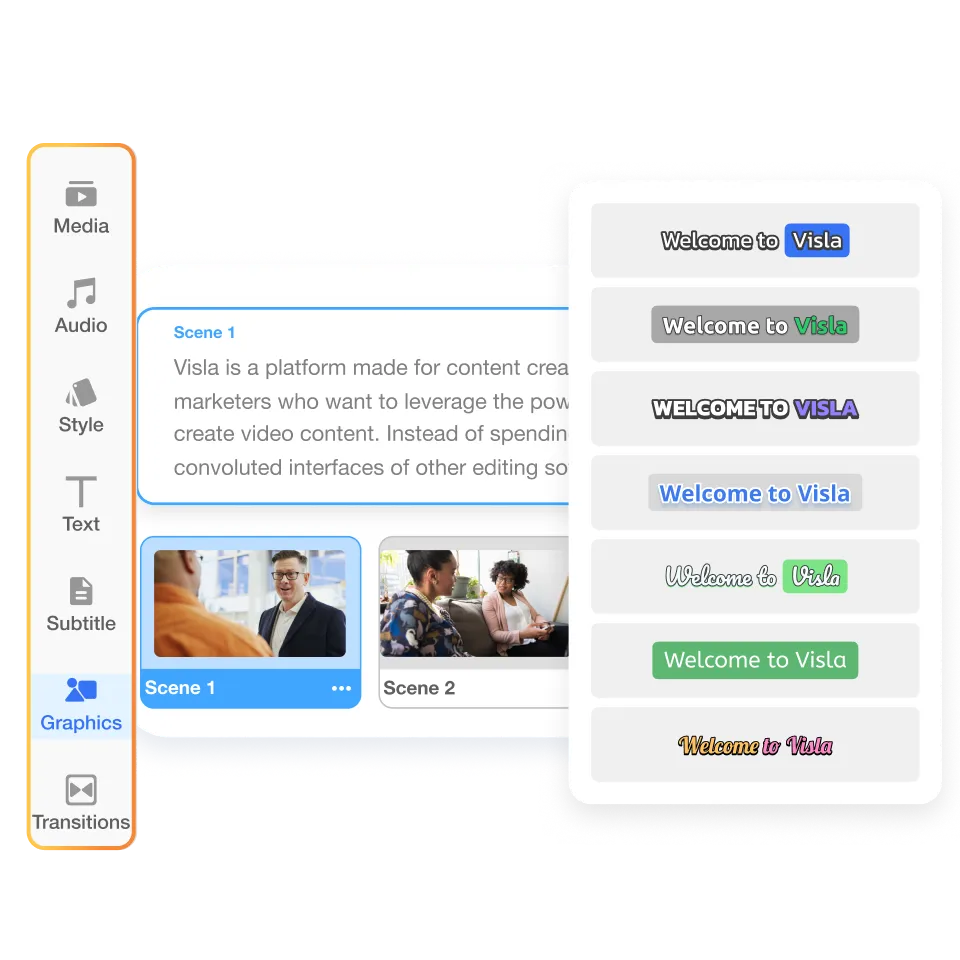
Trim, arrange, and polish in the Scene-Based Editor.
How the storyboard helps your video project
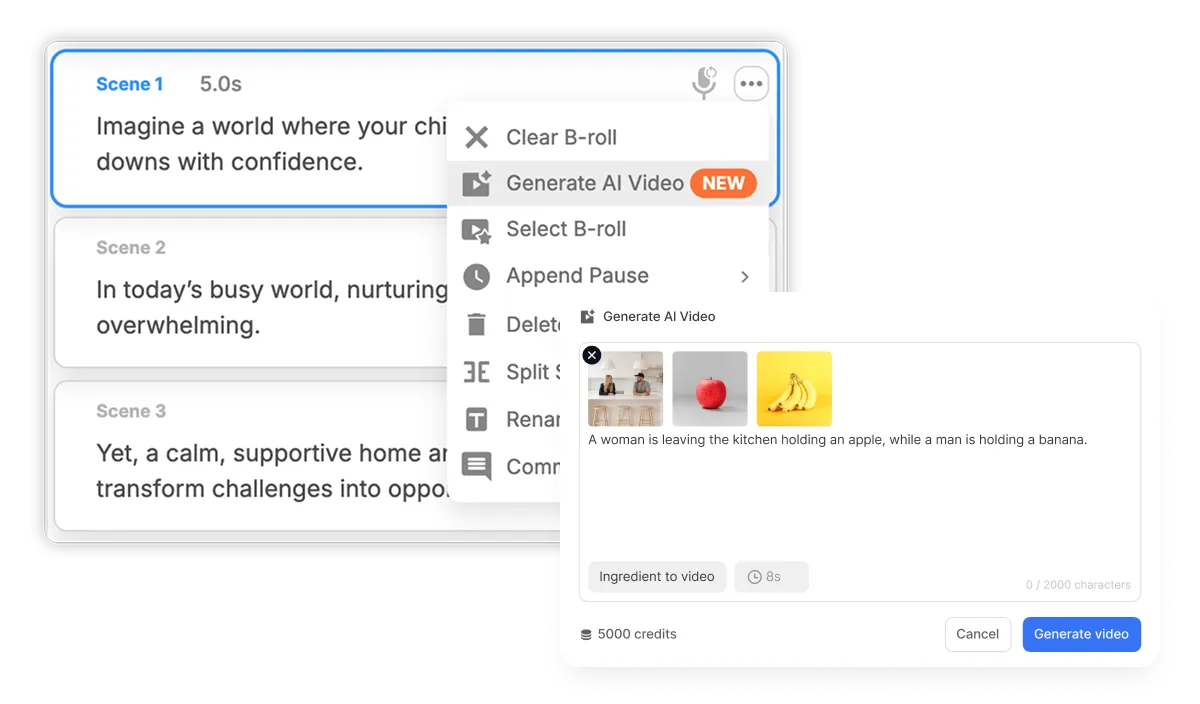
Review and edit your storyboard
Edit each scene’s prompt, generation method, reference images, and character voices to refine the direction before generation. Because you can review the storyboard first, you can fix issues before spending credits on AI video clips.
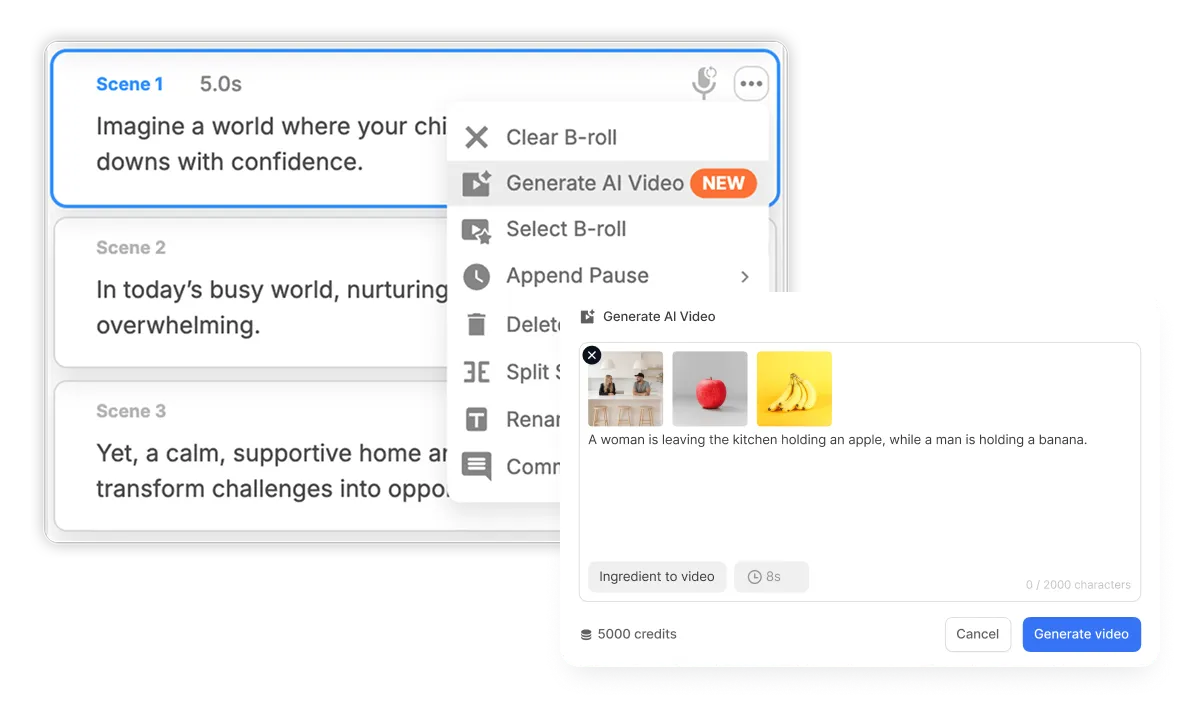
Generate AI video clips from a storyboard you already trust
Once your storyboard looks right, choose which scenes you want to generate as AI video clips. Generate the full storyboard or work scene by scene, refining the direction before spending credits on video generation.
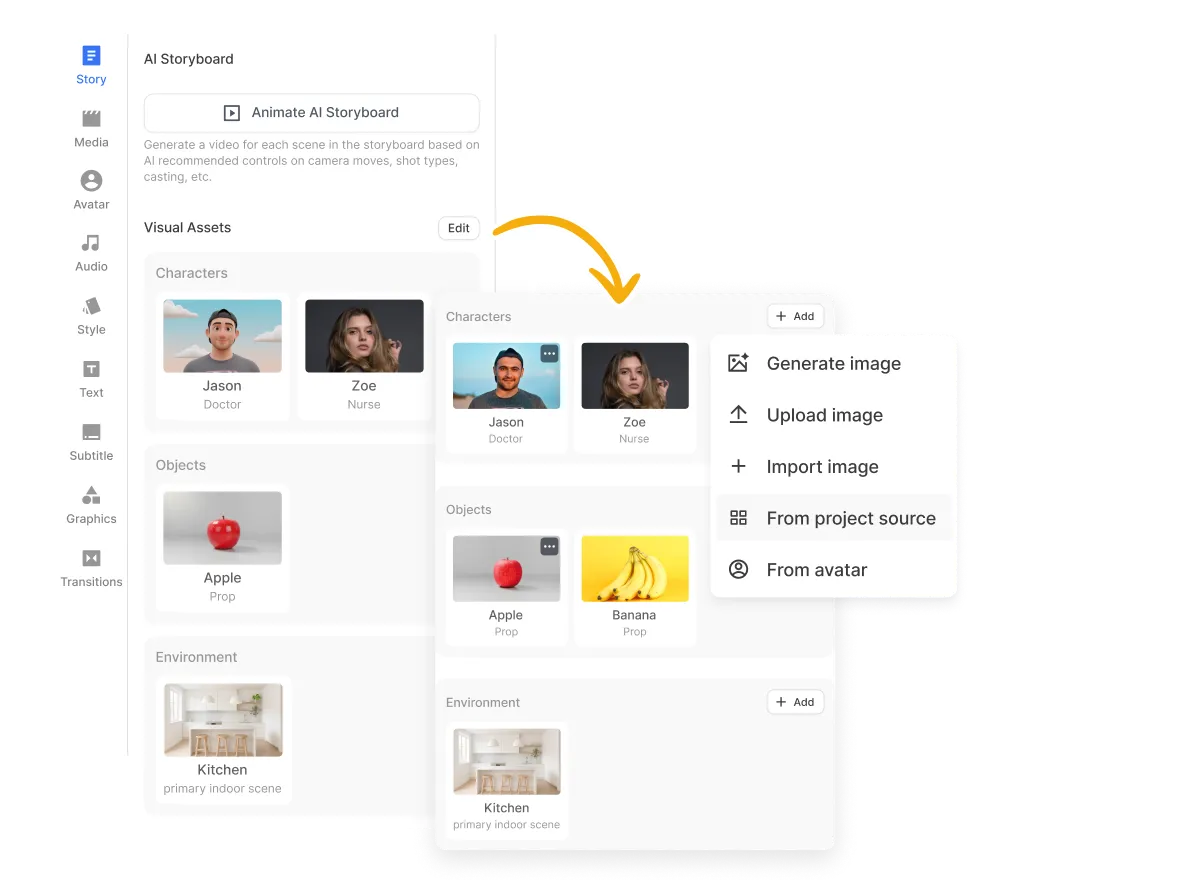
Keep key elements consistent across scenes
Visla uses your characters, products, logos, objects, environments, and visual style to maintain continuity across scenes. Review each scene before generation and correct anything that doesn’t match the direction of the full video.
Frequently Asked Questions
 What is an AI video storyboard?
- How does Visla create a video storyboard?
- Can I edit my storyboard before generating an AI video?
- Can I generate only some scenes from my storyboard?
- How does a storyboard help keep an AI video consistent?