

Create Scenario-Based Videos With AI
Create realistic, dialogue-driven videos with consistent AI characters, voices, and environments.

💡 What is Scenario-Based Video?
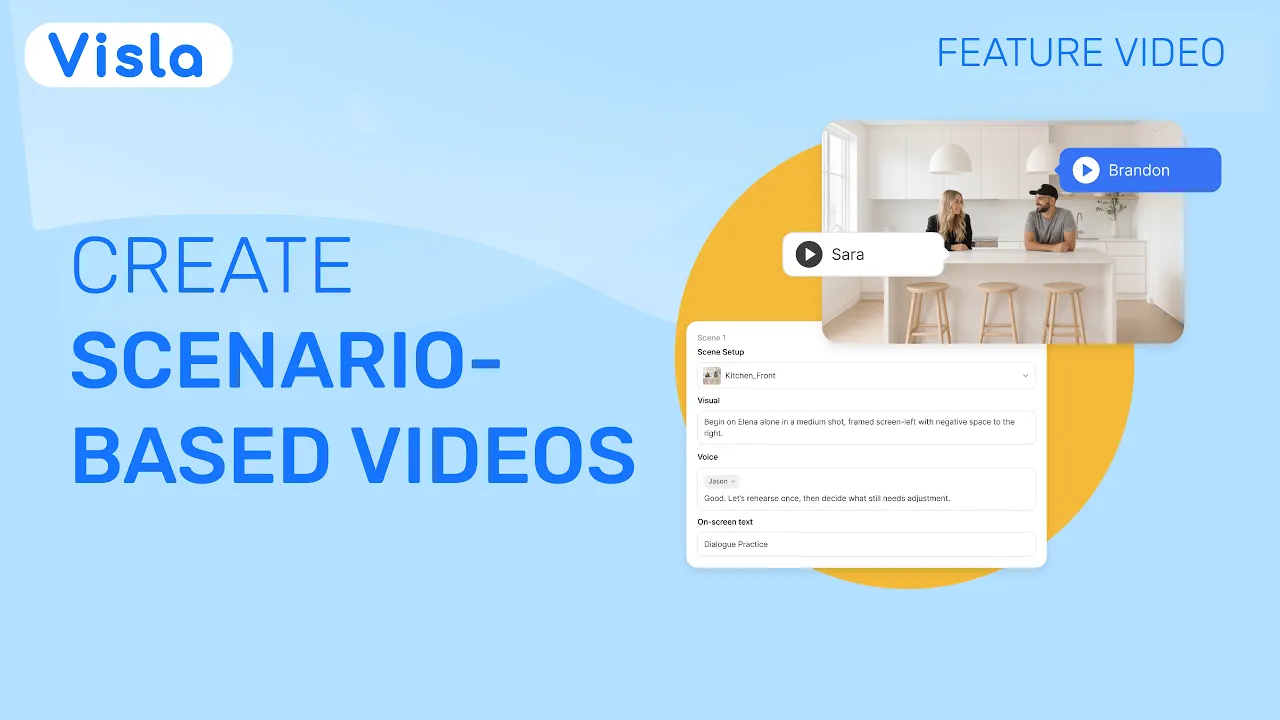
Scenario-Based Video turns a prompt, script, or webpage into a multi-character AI video. Characters can talk across multiple scenes while keeping their appearance, voices, and surroundings consistent. You can review the script and storyboard, adjust the direction, and choose which scenes to generate as AI video clips before your final editing pass.
Create realistic conversations for scenario-based training
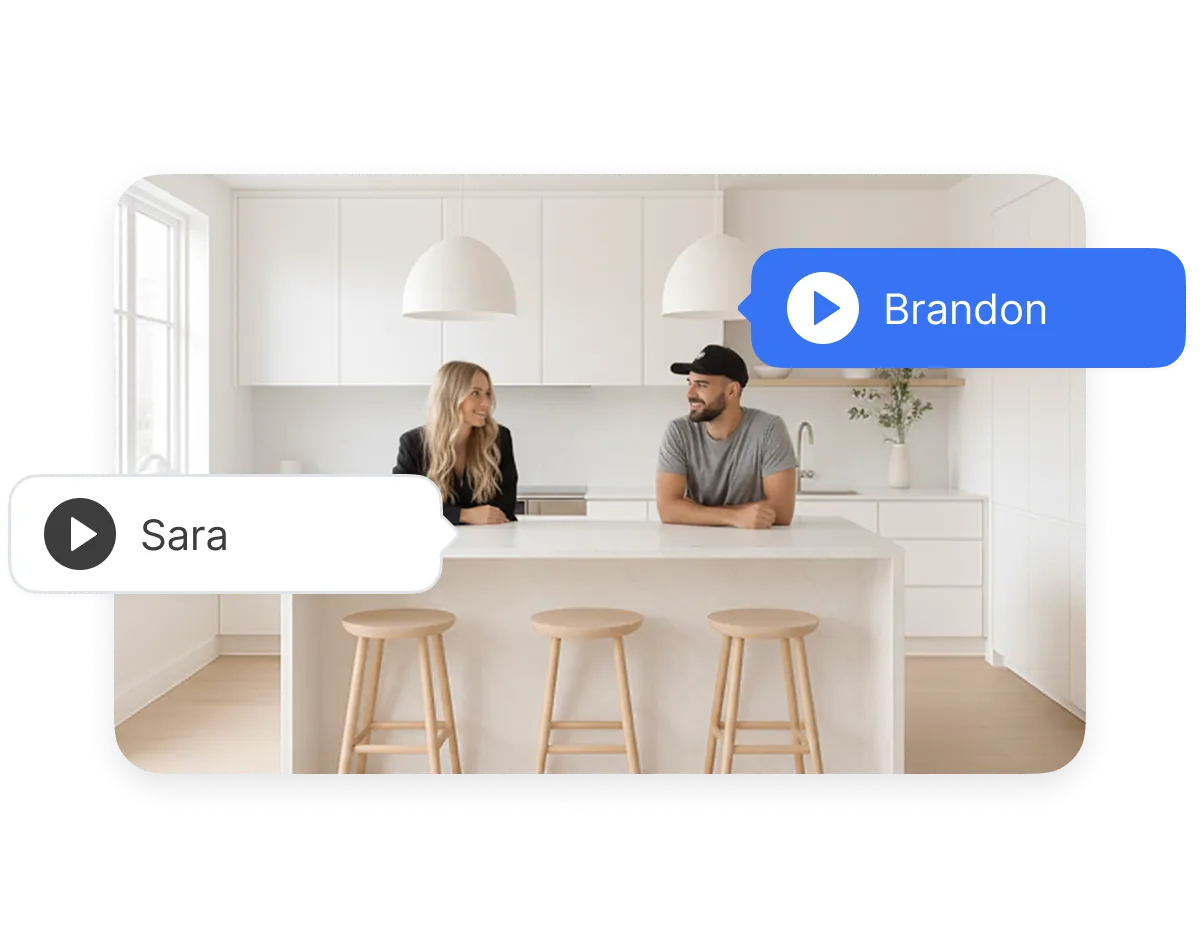
Keep characters, voices, and environments consistent
Characters stay recognizable from scene to scene, with consistent voices and surroundings. That makes longer conversations feel like one coherent video instead of a series of unrelated AI clips.
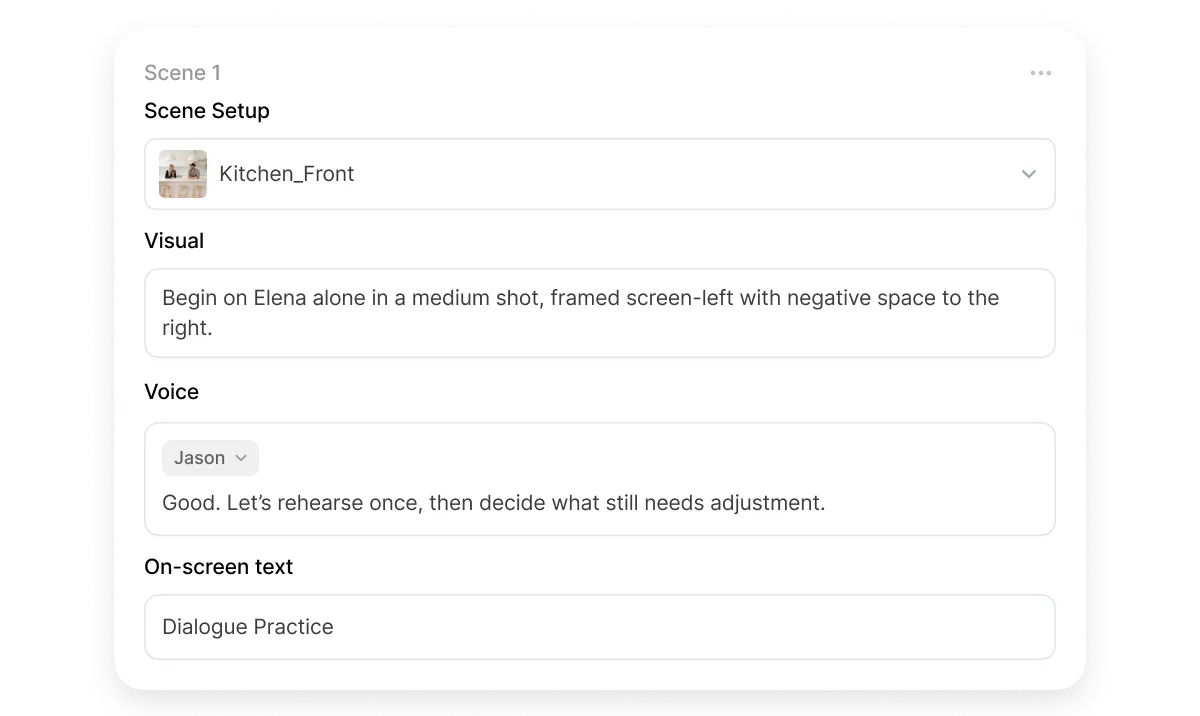
Review the direction before generating AI video clips
Check the script, scene direction, and storyboard before you generate AI video clips. Refine first, then spend credits where needed.
How Scenario-Based Video works


2. Review and direct the scenario>
Visla prepares the characters and voices, establishes the environment, and organizes the script into scenes. Review and make changes before generating the storyboard.
3. Review the storyboard and generate AI video clips>
Visla creates a storyboard with an AI-generated still image for each scene. Check the framing and direction, then choose which scenes you want to generate as AI video clips.
4. Edit and export>
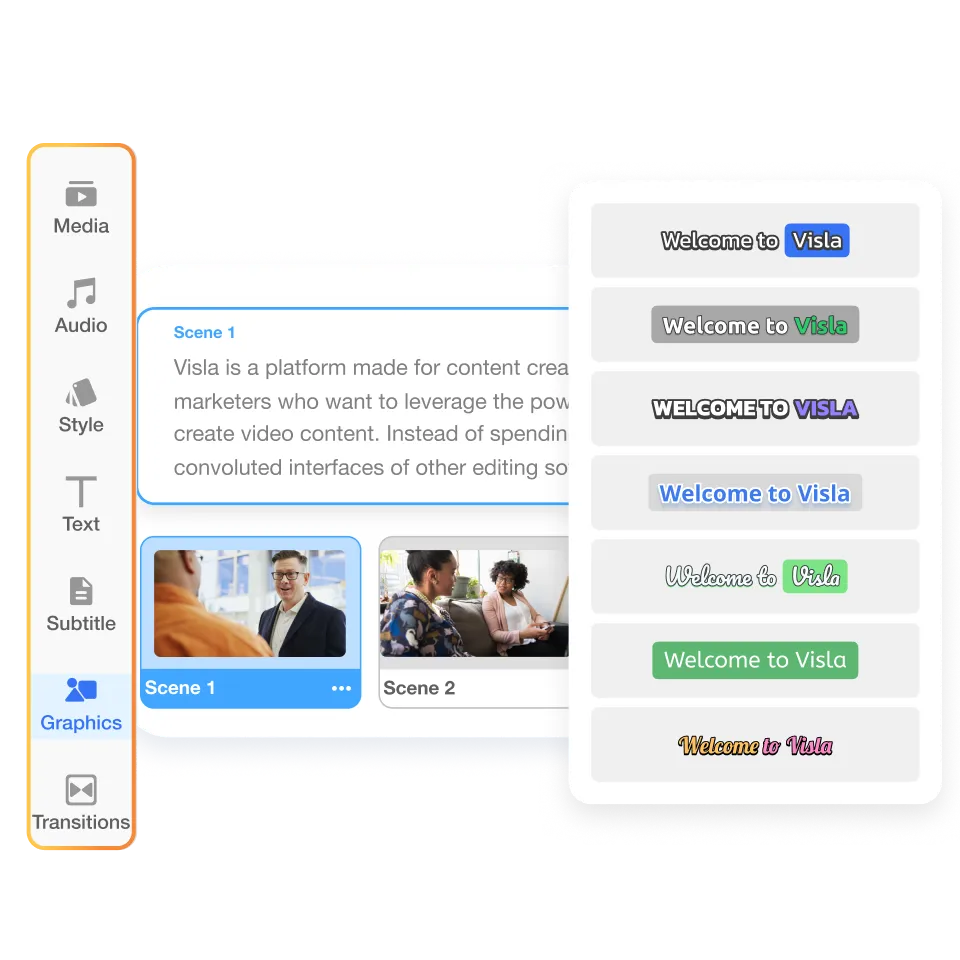
Finish the project in Visla’s Scene-Based Editor. Rearrange scenes, adjust timing, add text and graphics, or regenerate individual AI video clips without rebuilding the entire project.
Try a Scenario-Based Video prompt
 Copy promptCopy promptCopy promptCopy prompt
What can you create with Scenario-Based Video?
Scenario-based training and learning

Create realistic training videos that show workplace conversations, decisions, and outcomes in context, from onboarding and compliance to sales and customer service.
Role-play and conversation examples

Create examples of manager conversations, customer interactions, sales calls, interviews, difficult conversations, and other exchanges that learners can review or discuss.
Marketing, sales, and internal communications

Scenario-Based Video also works for dialogue-driven marketing, sales, customer education, and internal communications when your concept depends on two or more recurring characters.
Create interactive scenario-based training
Create your scenario videos in Visla, then export them to an interactive learning authoring tool to add learner choices, branching, quizzes, or feedback.


Export your videos>
Export the completed videos once they’re ready.
Add choices and branching>
Import the videos into an authoring tool such as Articulate Storyline 360 or Adobe Captivate, then build the interactive layer around them.
Frequently Asked Questions
 Can I create scenario-based learning videos from an existing script or training material?
- Can Visla create interactive or branching training videos?
- Can I use Scenario-Based Video with an LMS or e-learning authoring tool?
- When should I use Scenario-Based Video instead of a standard training video?
- What should I look for in a scenario-based learning or interactive video solution?
Create your first scenario-based video
Start with your script or idea and turn it into a multi-character training video in Visla.
Get Visla for free