

How do you create a SaaS strategy video?
For SaaS teams that need clarity, Visla turns your strategy into a polished video with AI tools, scene editing, and team collaboration.
How video could power your SaaS strategy
A SaaS strategy video helps your team, investors, and customers quickly understand your big picture. It’s more engaging than a slide deck and easier to share across channels. With Visla, you can turn complex strategy documents into a clear, compelling video. That means faster alignment and better communication for everyone.


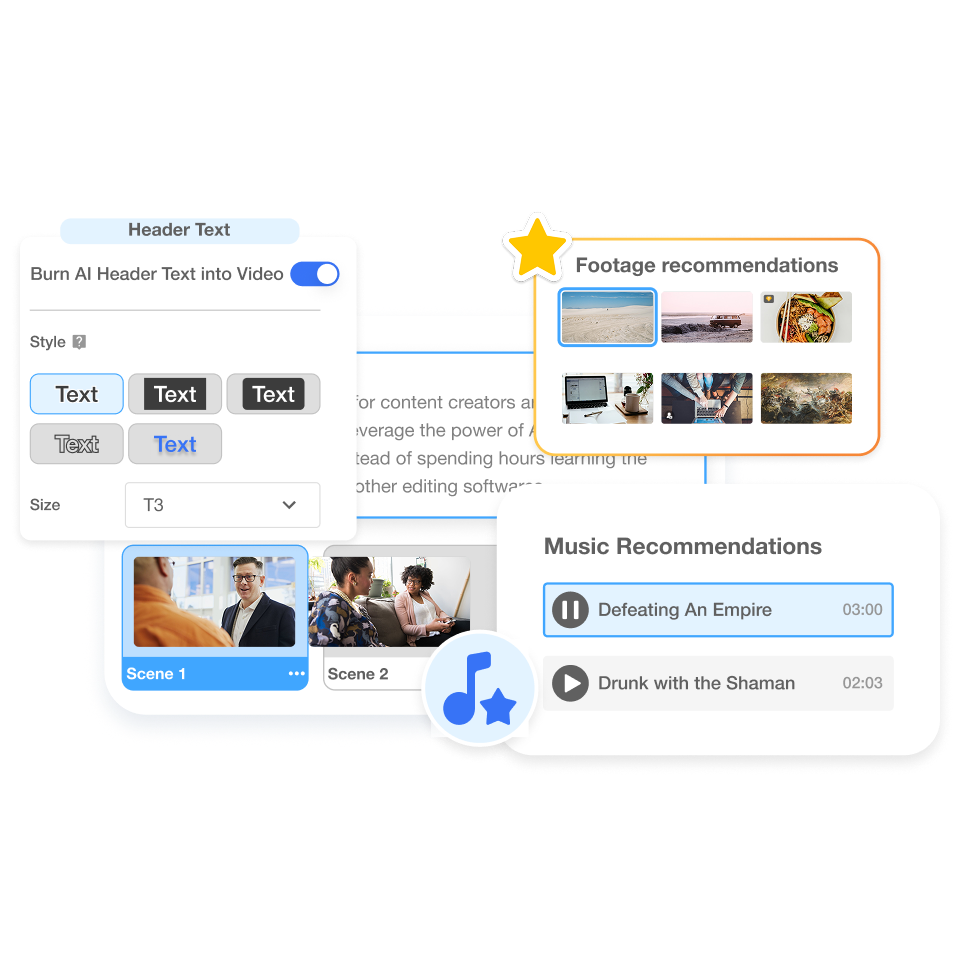
How to create SaaS strategy videos
2. Start your AI project>
Click “Create Video” in Visla. Paste in your script and let AI guide the first draft.
3. Customize your style>
Choose pacing, background music, or even add an AI Avatar. Visla lets you match your brand voice.
4. Generate your draft>
In minutes, Visla creates a complete video based on your settings. You’ll have a ready-to-use draft instantly.
5. Edit scene by scene>
Refine with Visla’s Scene-Based Editor. Swap visuals, update text, or adjust voiceovers until it’s perfect.
How you can use SaaS strategy videos in real life
 Internal alignment Share your product roadmap with global teams in a clear, visual way.
 Investor updates Create short, polished videos to highlight growth plans and milestones.
 Sales enablement: Cut your strategy video into clips that show prospects where your product is heading.
Why you’re going to love Visla
Record anything
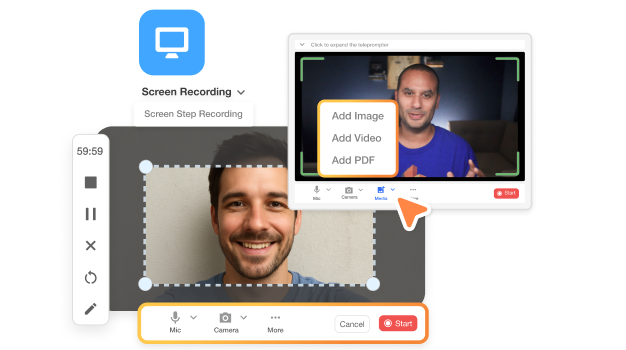
Capture your screen, camera, or both. Add notes, highlight details, and explain complex ideas without confusion. Visla makes recording simple so you can focus on the story.
Easy video creation
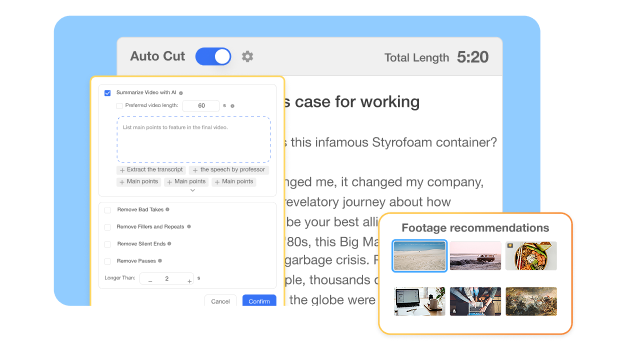
Visla’s AI handles trimming, subtitles, music, and even B-roll suggestions. You stay creative while the platform takes care of the technical work. It’s video made easy.
Better team collaboration
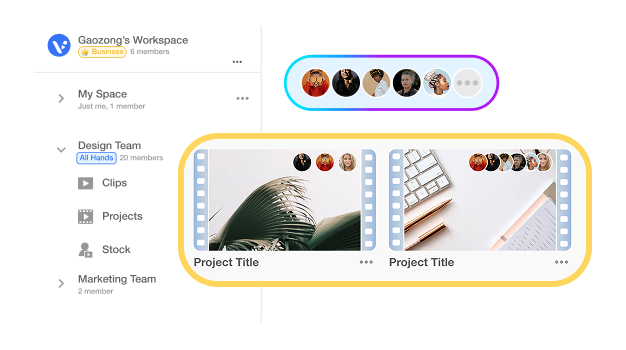
Workspaces and Teamspaces keep everything organized. Invite your team, share edits, and leave comments right on the timeline. Feedback is faster and smoother.
Beyond a SaaS strategy video creator
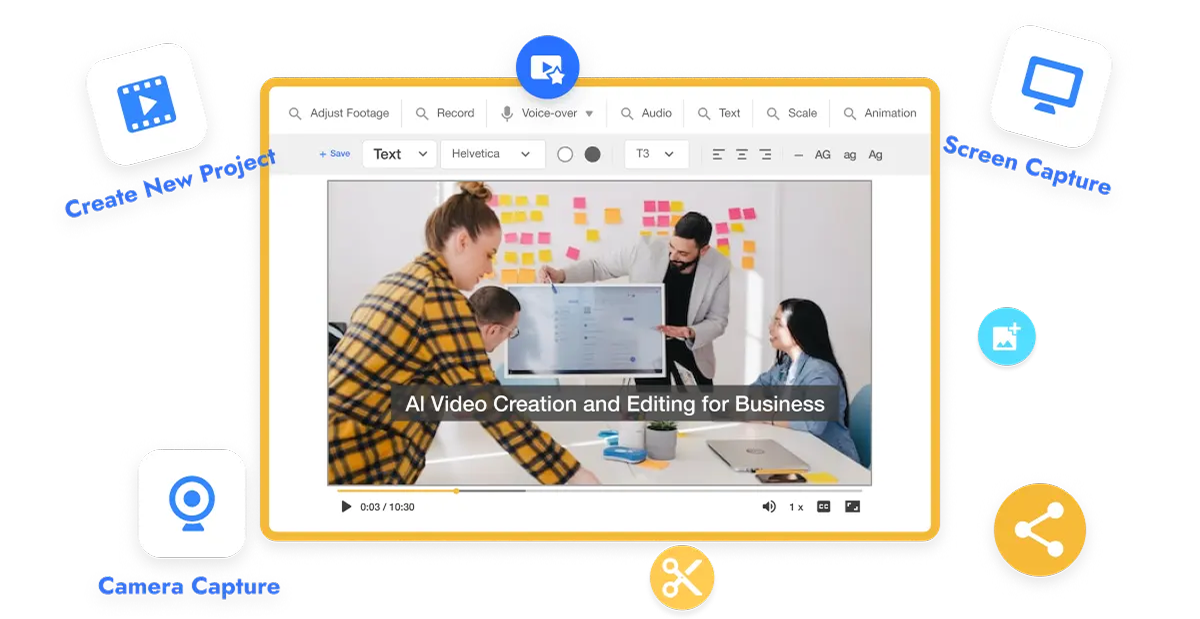
Do it all with Visla
Visla is your all-in-one video platform. Record, edit, collaborate, and share, all in one place.
Other videos you can make with Visla:
Customer onboarding videos
Product demo videos
Training and SOP videos
Sales outreach clips
Marketing campaign assets
Frequently Asked Questions
 How do I know my SaaS strategy video will stay on brand?
- Can I make different versions of the same strategy video?
- What if I don’t have video editing experience?
- Can I collaborate with my team on one strategy video?
- Is Visla secure enough for sensitive business strategy content?